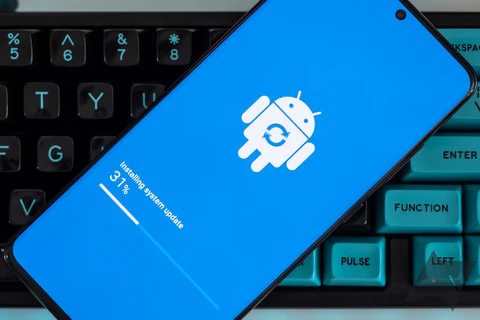
Unresponsive or hanging phone always seems to happen at the worst moment right before an urgent call, in the middle of a mobile payment, or while capturing an important photo. While the problem can be annoying, it is rarely permanent. In most cases, a few simple actions can revive your hanging phone within minutes.
Below are the five quickest and most reliable methods to get a hanging phone working again, based on common causes and mobile performance best practices.
1. Force Close the App Causing the Freeze
A single misbehaving app is often behind most phone hang-ups. When an app crashes, the entire screen may become sluggish or stop responding.
What to do:
Open your recent apps view and close the app that was running when the freeze occurred. If the phone is still somewhat responsive, you can also go into the app settings and force stop it. This immediately frees your device from the faulty app’s loop and usually restores normal operation.
2. Perform a Hard Restart
When the phone becomes completely frozen and the touchscreen refuses to respond, a hard restart is the fastest rescue.

How it works:
Holding down specific button combinations forces the device to reboot, refreshing the system without deleting any of your files. It’s a safe “reset button” that clears temporary conflicts and brings the phone back to life.
Full details here
3. Clear Accumulated Cache and Temporary Data of the Hanging Phone
Over time, apps build up stored data meant to speed up performance — but too much of it can actually slow the phone down or cause freezes. Clearing this temporary data gives the system room to breathe.
Why it helps:
Cache removal resets apps that may be stuck, frees memory, and often delivers an instant performance boost, especially on older devices.
4. Free Up Storage Space
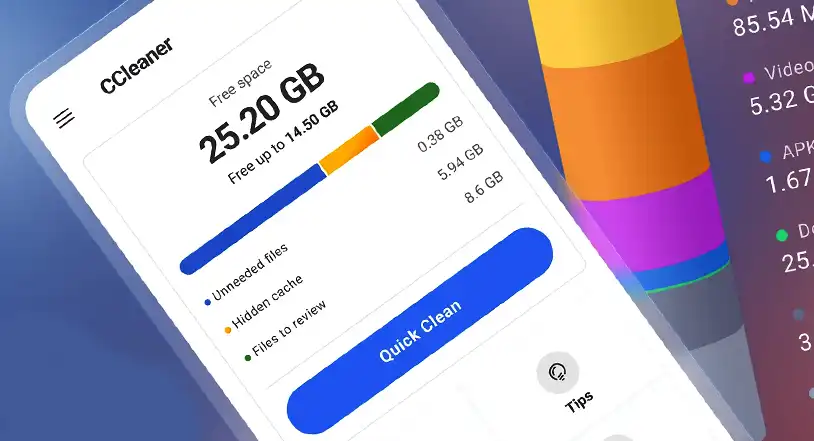
A phone running critically low on storage behaves like a computer with no working space: it becomes slow, unstable, and prone to freezing.
Quick fixes:
Delete files you no longer need, uninstall unused apps, clear old downloads, or move media to cloud storage or an SD card. Even freeing a couple of gigabytes can dramatically improve responsiveness.
5. Update or Remove Problematic Apps
If your phone always hangs when using a particular app, the app itself may be faulty or incompatible with your system version.
Solution:
Update the app first. Developers often fix freezing and performance bugs through updates. If the issues continue, reinstall the app — or remove it completely if it’s not essential. Keeping your phone’s software up-to-date also reduces system conflicts that lead to freezing.
Reflecting on the Causes and Fixes of a Hanging Phone
A hanging phone is unsettling, but it doesn’t have to derail your day. Most freezes come from temporary glitches, overloaded storage, or a misbehaving app — and each of these problems has a quick fix. With regular updates, adequate storage, and a habit of clearing unnecessary data, your device will stay fast, stable, and reliable.