

Table of Contents
Meta-owned messaging giant has officially launched global reservations for customizable WhatsApp usernames on Monday, June 29, 2026. The landmark privacy upgrade allows the application’s more than 3 billion users worldwide to claim a unique digital handle, closing a historic privacy blind spot by enabling communication without ever exposing a personal mobile phone number to strangers, group members, or corporate entities.
Since its initial inception by founders Jan Koum and Brian Acton in 2009, WhatsApp has forced users to hand over their raw, personal digits to initiate any interaction. This global reservation phase fundamentally loosens that framework, offering a massive shield against digital profiling, corporate tracking, and unverified spam networks.
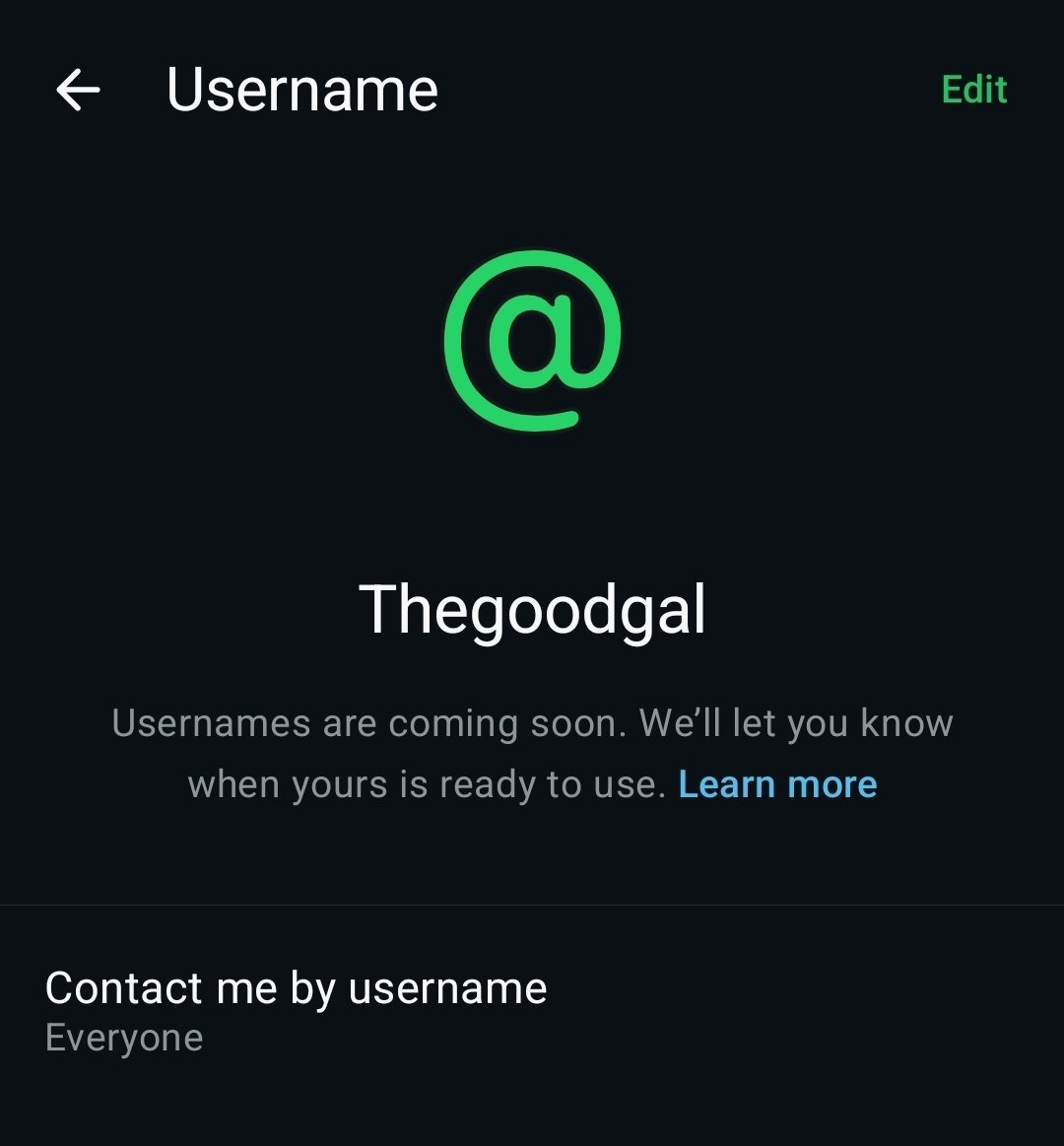
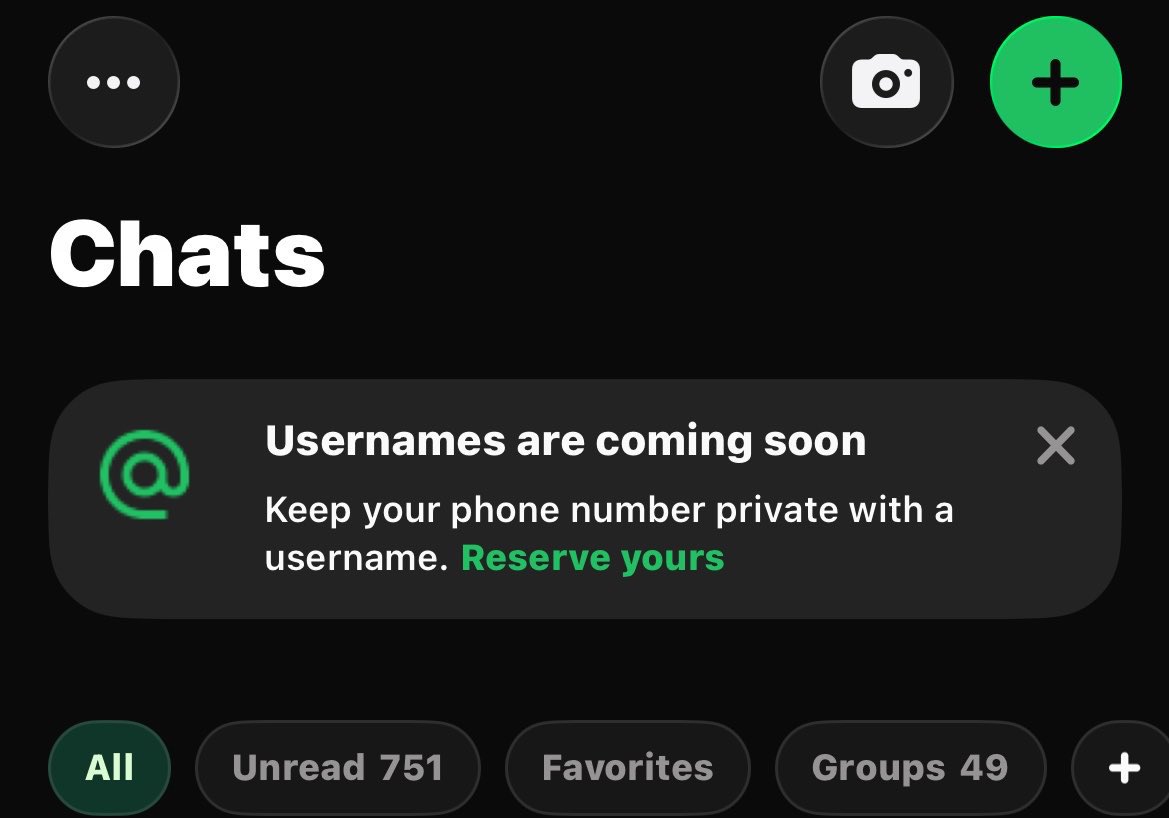
What are WhatsApp usernames?
A WhatsApp username is a unique, personalized digital handle (such as @yourname) that functions as an front-facing mask for your account. It allows you to connect, text, and join group chats without revealing your private mobile digits to people you do not know.
Unlike standard social media handles on platforms like X or Instagram, WhatsApp usernames are built strictly around maximum privacy control. There is no public, searchable directory of handles, and the app will not display automated suggestions to strangers. It serves purely as a secure proxy, allowing you to hand out your custom handle instead of your phone number when joining community groups, parent-teacher chats, or connecting with new acquaintances.
When were WhatsApp usernames launched?
The global reservation window for WhatsApp usernames officially opened on June 29, 2026. Meta initiated this early reservation phase to give users, creators, and international organizations an equitable opportunity to secure their preferred personal handles and corporate identifiers before the full communication functionality goes live globally.
Why don’t I have the WhatsApp usernames option in my WhatsApp?
If you navigate through your application settings and notice that the username field is missing, your account has not been compromised or left out. WhatsApp rolls out monumental structural updates using phased, country-level delivery waves to prevent server overloads from three billion active users hitting the database simultaneously.
Even if you have manually installed the absolute latest version from the Google Play Store or Apple App Store, your account might still be waiting for the backend server-side flag to activate in your specific region. Meta prioritizes accounts progressively, meaning some batches of users will see the setup menu weeks before others.
Also read about WhatsApp image generation
When will I get the WhatsApp username feature?
The rollout is expanding gradually throughout June, July, and the subsequent months of 2026. WhatsApp will automatically push a direct, high-priority notification screen to your device the exact moment the reservation feature goes live for your phone number batch in your country. To ensure you do not miss your window, keep the app updated and check the account settings tab periodically.
Is WhatsApp replacing phone numbers with usernames?
No, WhatsApp is not replacing phone numbers entirely, as a valid mobile number remains the mandatory underlying account identifier required to register, authenticate, and maintain your account database. Instead, usernames function as an optional, highly secure identity layer built over your existing account metadata.
If you choose to enable a username, any individual or commercial entity you message for the first time will see your handle instead of your mobile digits. However, your existing chat histories with saved contacts remain completely unaffected; people who already have your phone number stored in their physical address books will continue to see it as usual.
What are the exact rules for choosing a WhatsApp username?
Because high-value online handles are highly coveted assets, Meta has enforced a strict set of syntax and reservation rules to protect the platform’s user experience and prevent immediate brand squatting:
- Character Length Limits: Your username must be between 3 and 35 characters long.
-
Character Restrictions: You can only use lowercase letters, numbers, periods (
.), and underscores (_). Uppercase characters are completely restricted. - The First Character Rule: A username must explicitly begin with a letter. It cannot start with a number or symbol.
-
Domain Protections: Usernames cannot begin with
www.or terminate with common website extensions such as.com,.org, or.net. - The Anti-Impersonation Hold: Meta has securely blocked and held back the highest-profile names—including major public figures, government entities, lookalike derivatives, and international celebrities—ensuring they can only ever be claimed by verified, legitimate owners.
- Meta Ecosystem Porting: Creators, verified organizations, and small businesses are granted “first dibs” to instantly port over their existing, verified handles directly from linked Instagram or Facebook accounts to ensure cross-platform consistency.
How to book or reserve a WhatsApp username: A step-by-step tutorial
If you want to secure your unique digital handle before it is snatched up by another user, you can access the early reservation protocol through the application settings. Follow these sequential instructions:
- Update the Application: Open the Google Play Store (Android) or Apple App Store (iOS) and ensure you have updated WhatsApp to the absolute latest available version.
- Access Your Account Settings: Open WhatsApp, tap the three dots or navigate directly to the Settings gear icon, and click on Account.
- Locate the Username Field: Tap on the newly active Username tab. If you do not see it yet, your account is queued in the gradual rollout waves; check back weekly.
- Input Your Desired Handle: Type in your chosen handle. The app’s real-time checker will immediately notify you if the handle is valid and available. If you lack inspiration, you can tap the built-in automated username generator for privacy-focused suggestions.
- Confirm and Secure: Tap Save or Reserve. Your handle is now legally locked to your account database, ready for deployment once the message-by-username functionality officially activates later this year.
What is the optional “Username Key” security feature?
Unlike mainstream social media platforms where anyone can look up a handle and start blasting messages, WhatsApp has explicitly built its username architecture around obscurity. To contact you for the first time, a stranger must know the exact, character-perfect spelling of your handle.
To take security a step further, WhatsApp has built an optional privacy layer called the Username Key. The Username Key functions as a four-digit security PIN code that sits directly alongside your handle. When this layer is active, any new user attempting to ping your username for the first time will be immediately blocked by a secure prompt requiring them to input your specific four-digit key. Without this PIN, their messages cannot land in your main inbox, completely filtering out automated spam or cold outreach from random internet actors.
How do WhatsApp usernames affect businesses and the bulk messaging industry?
For enterprises, digital marketers, and businesses utilizing the WhatsApp Business API, this update marks a major infrastructural shift. It changes how consumer data is received, logged, and processed in Customer Relationship Management (CRM) databases.
When a customer who has enabled a username initiates a first-time inbound conversation with a business, the business webhook will no longer receive that customer’s raw phone number. Instead, Meta will automatically generate a unique, data-masked alternative identifier called a Business-Scoped User ID (BSUID).
To track the operational parameters separating personal usernames from corporate business tracking structures, review the comparison table below:
| Feature Dimension | Personal Username Configuration | Business-Scoped User ID (BSUID) Mechanics |
| Primary Structural Purpose | Shields individual phone numbers during social discovery and group chats. | Masked identity code allowing businesses to respond to numberless users. |
| Character Length Scope | Restricted to 3–35 characters (Lowercase alphanumeric only). | Prefixed with a 2-letter ISO country code, followed by up to 128 alphanumeric characters. |
| Search & Visibility | Visible as an @handle profile element; requires exact matching to use. |
Hidden from consumer view; operates purely as an underlying backend API string. |
| Data Scoping Limits | Universally assigned to the user account across all personal chats. | Strictly scoped to the business portfolio. Phone number A and B from different companies get entirely different BSUIDs for the same user. |
| Outbound Messaging Rule | Can be deleted or modified by the individual account holder at any time. | Cannot be used to initiate cold bulk campaigns unless a valid opt-in or phone mapping exists. |
This dual-identifier system introduces a severe failure risk for automated bulk-messaging and CRM platforms that delay software compatibility upgrades. If a business system is not engineered to parse BSUIDs alongside traditional phone number nodes, the system will silently drop inbound customer messages from username-enabled accounts, leading to shrinking reach and severed communication pipelines. Leading global communication providers like Twilio and LivePerson have already issued immediate alerts urging corporate clients to rebuild their webhook parsing engines before the old phone-first model is permanently modified later this year.
Are WhatsApp usernames mandatory to use?
No, WhatsApp usernames are completely optional. The platform is keeping its traditional phone-number-based communication framework as the default infrastructure. If you prefer to stick with the classic setup and don’t mind your phone number being visible in group chats or to new business accounts, you do not need to register or configure a digital handle at all.
Why is the WhatsApp username I want not available?
There are three primary technical reasons why the system will reject your reservation request and mark a specific handle as unavailable. If your chosen name is denied, it is usually because it falls into one of these strict security brackets enforced by Meta:
- Ecosystem Protection: The name is an exact match for an existing Instagram or Facebook account name, which Meta has automatically locked and reserved exclusively for the legitimate owner of those accounts.
- The Anti-Impersonation Hold: Meta has permanently held back well-known names, public figures, celebrities, government entities, and Meta-verified accounts—along with close variations of them—so they can only be claimed by verified owners.
- Prior Consumer Claims: Another global user has already beaten you to the punch and claimed that exact handle. In this instance, you will need to utilize the built-in username generator to create a distinct variation.
How does WhatsApp prevent impersonation and scams with handles?
WhatsApp is preventing identity theft by blocking the messaging functionality of usernames during this initial global reservation phase and holding all high-profile public names for verified entities. When user-to-user messaging via handles officially launches later this year, the platform will deploy active safety barriers for first-time outreach.
When you receive a text message from a brand new username for the first time, WhatsApp will explicitly display a warning box showing the country origin of the sender and tracking tags regarding their account behavior. Furthermore, the platform’s security algorithms are tracking user blocks and rapid report rates to instantly ban malicious actors who attempt to spoof names or execute financial scams.
Can strangers search for or guess my WhatsApp username?
No, random internet actors cannot look up your handle because WhatsApp has engineered this feature completely without a public, browseable directory or automated search suggestions. Just like it is impossible to type random numbers into WhatsApp to search for a hidden contact, a user must already know the exact, character-perfect spelling of your handle to initiate a first-time chat.
For users who want absolute isolation from unsolicited messages, the platform advises choosing a highly unique username separate from your public social media handles and actively enabling the four-digit Username Key PIN.
Do I need to link my Facebook or Instagram to get a WhatsApp username?
No, you are not required to link your other Meta platforms to set up a unique handle, unless you want to claim your exact pre-existing Instagram or Facebook username on WhatsApp. Linking your profiles serves as a security handshake, allowing Meta’s database to verify that you are the legitimate owner of that specific corporate or creator brand online.
If you choose to link them to secure your matching handle, you can safely unlink the accounts immediately after your reservation is confirmed, or simply opt to create a standalone handle unique to WhatsApp from the start.
Can I change my WhatsApp username after reserving it?
Yes, you can alter your chosen handle at any time through your profile layout, provided the new name you want has not already been locked by another user. If you change your mind, correct a spelling mistake, or execute a corporate rebrand, releasing your current handle will instantly return it to the public pool, making it available for anyone else to claim.
Warning Against Viral Scams: Meta has officially issued an explicit alert warning users against widespread online rumors and fake claims floating across social media channels regarding individuals “stealing” or selling off popular celebrity handles. These claims are entirely fabricated; the platform’s central registry blocks unauthorized claims on high-profile names, ensuring only verified, legitimate entities can claim protected public identities.